

Backend Configuration
Defines what the AI knows about your business, how it behaves under the hood, and store-wide safety controls.
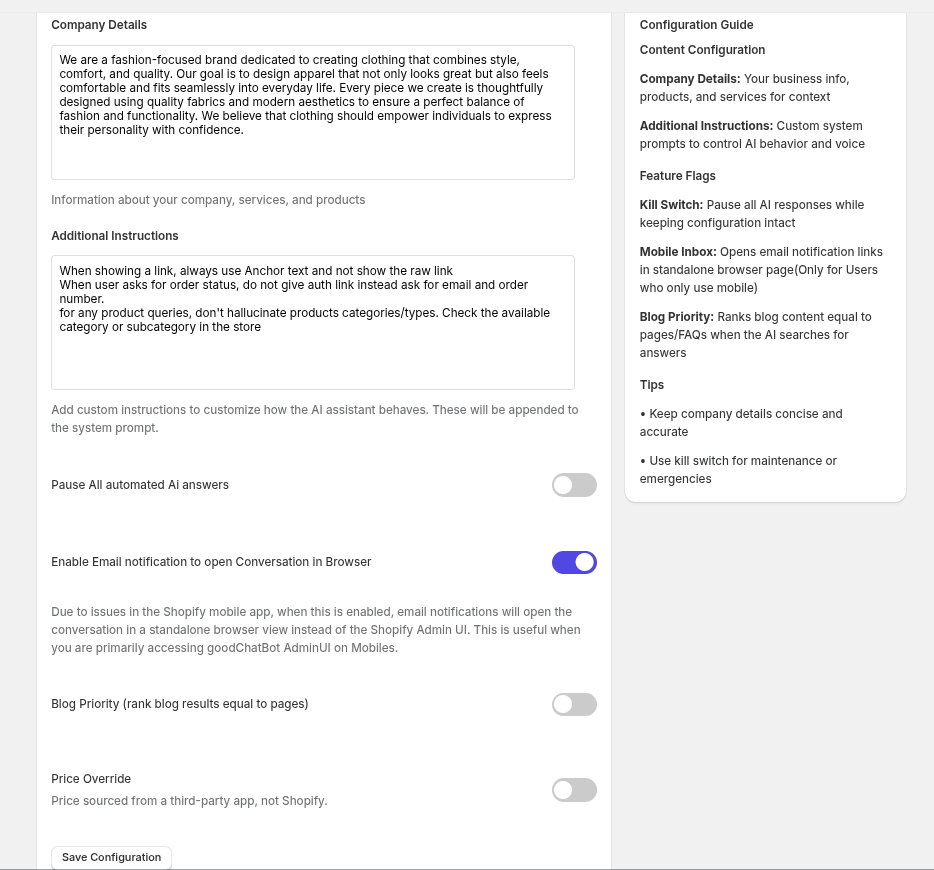
System Prompt
-
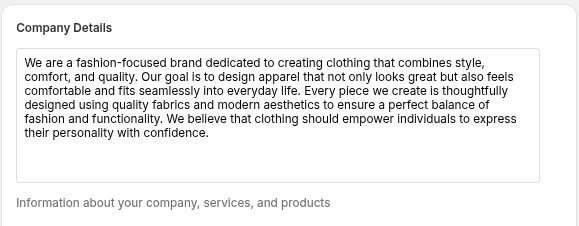
Company Details: Background information about your company, products, and services that grounds every AI answer.
-
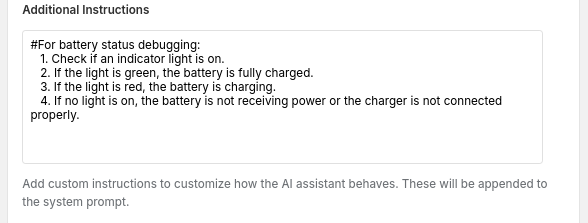
Additional Instructions: Free-form custom instructions appended to the system prompt to fine-tune tone, rules, or edge-case behavior.
Manual Mode
-
Pause All Automated AI Answers (Kill Switch): Instantly stops all AI-generated replies store-wide while keeping every other setting intact - use for maintenance or emergencies.

-
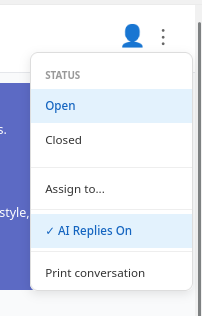
Turn AI replies off: You can manually run off replies for a single specific Conversation from inside the conversation menu in Inbox where you believe human replies are needed instead of AI responses.
-
In both these scenarios Customer care message from the widget configuration will be shown to the user.
Search & Content Behavior
-
Blog Priority: When enabled, blog content is ranked equally with pages and Shopify KnowledgeBase FaQs when the AI searches for answers.

Advanced Options
-
Price Override: Flags that product pricing is sourced from a third-party app rather than Shopify directly.
