

Tool Configuration
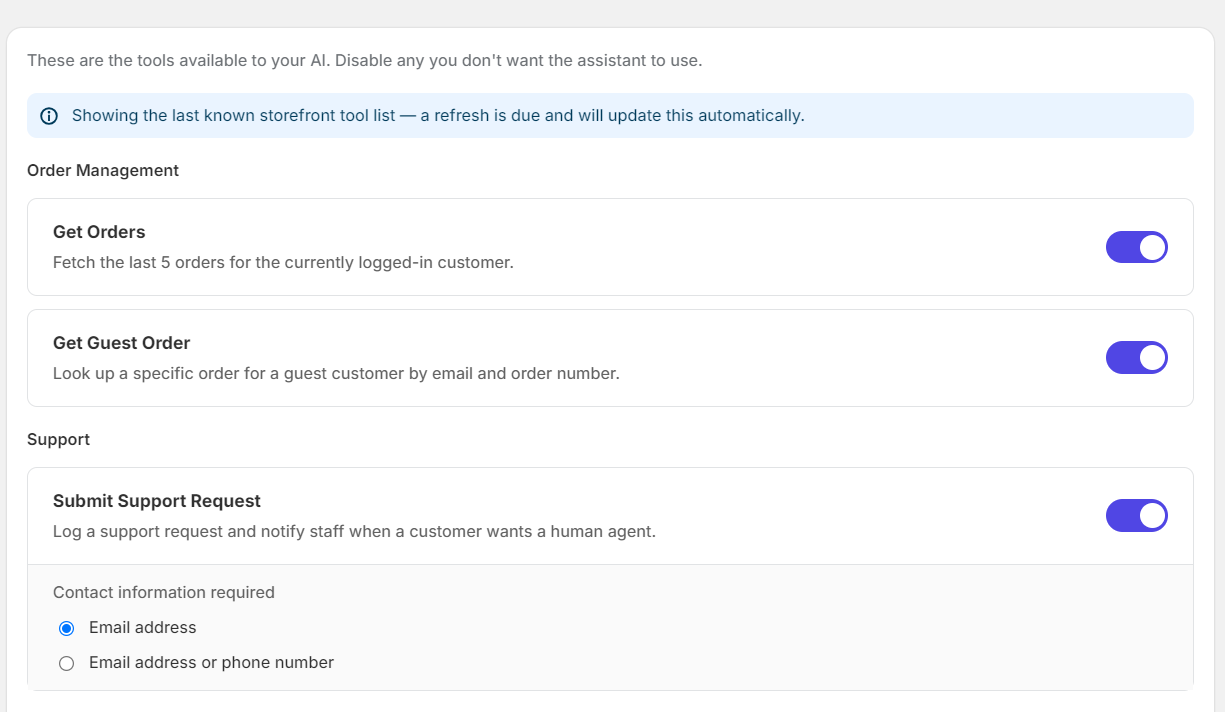
Controls which tools GoodChatBot can use to retrieve information and perform actions for customers. All available tools are enabled by default. Disable any tool that you do not want GoodChatBot to use.
Order Management
-
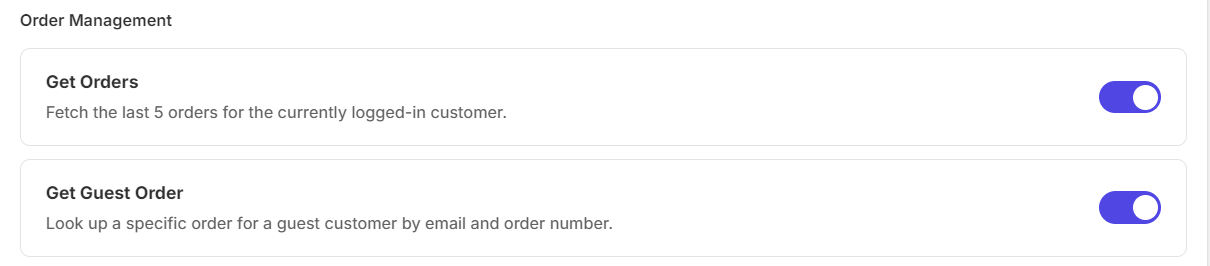
Get Orders: Fetches the last 5 orders for the currently logged-in customer. GoodChatBot can use this when a logged-in customer asks about their recent orders.
-
Get Guest Order: Looks up a specific order for a guest customer using their email address and order number. This allows customers who are not logged in to check an order.
Support
-
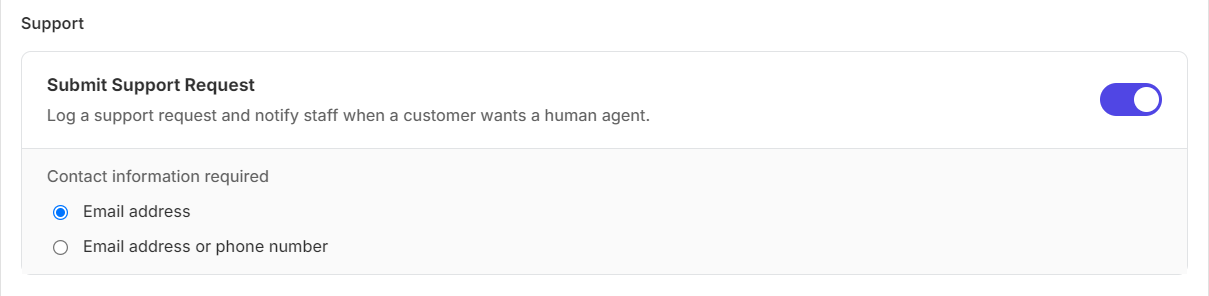
Submit Support Request: Creates a support request when a customer wants to speak with a human agent and notifies the store staff. You can also choose whether an email address, or either an email address or phone number, is required.
Cart & Checkout
-
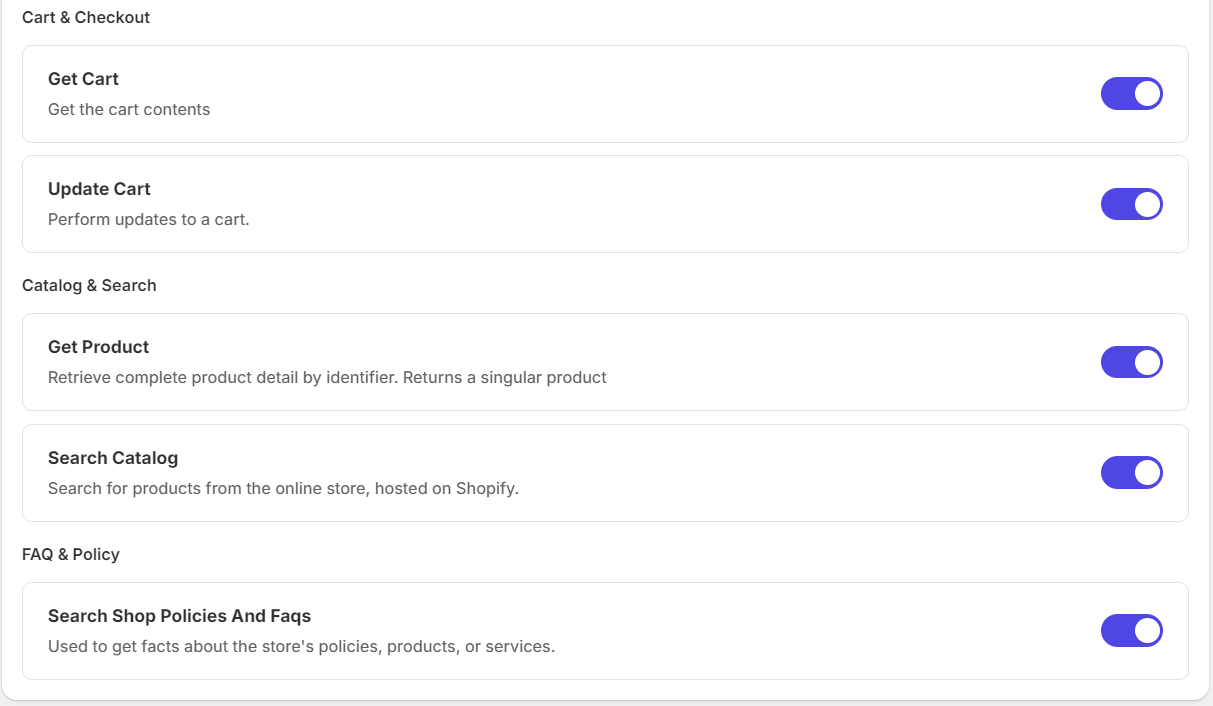
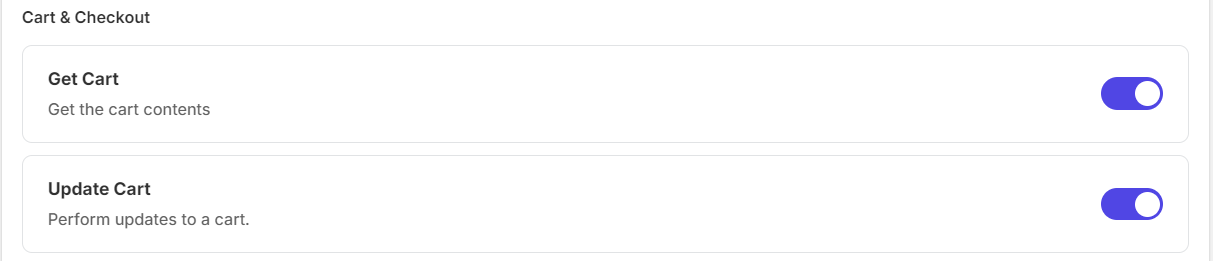
Get Cart: Retrieves the customer's current cart contents so GoodChatBot can understand what products are currently in the cart.
-
Update Cart: Allows GoodChatBot to make cart changes, such as adding products to the customer's cart.
Catalog & Search
-
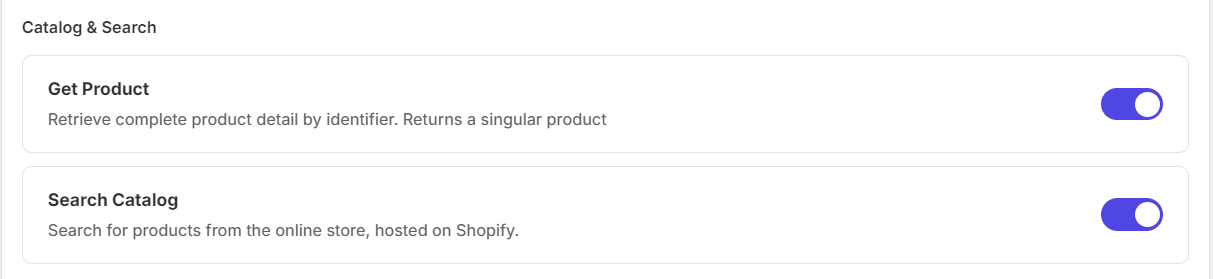
Get Product: Retrieves detailed information about a specific product, including product information that GoodChatBot can use when answering customer questions.
-
Search Catalog: Searches the Shopify storefront catalog for products that match the customer's request. GoodChatBot can use this when customers are looking for products.
FAQ & Policy

-
Search Shop Policies And FAQs: Finds information from the store's policies, products, and services so GoodChatBot can provide answers based on the store's available knowledge
Managing Tools
-
Enable / Disable: All available tools are enabled by default. Use the toggle next to a tool to disable it if you do not want GoodChatBot to use that capability.
-
Disabled Tools: When a tool is disabled, GoodChatBot will not have that tool available when handling customer conversations. The tool configuration is checked when the chatbot loads its available tools.
-
When to Disable a Tool: Disable a tool if your store does not use the related functionality, if the information should not be accessed by the GoodChatBot, or if you do not want GoodChatBot to perform that type of action.
Important
Only enable tools that are useful for your store. For example, if your store does not want GoodChatBot to access customer orders, disable Get Orders and Get Guest Order. If you do not want the chatbot to modify carts, disable Update Cart.