Insights
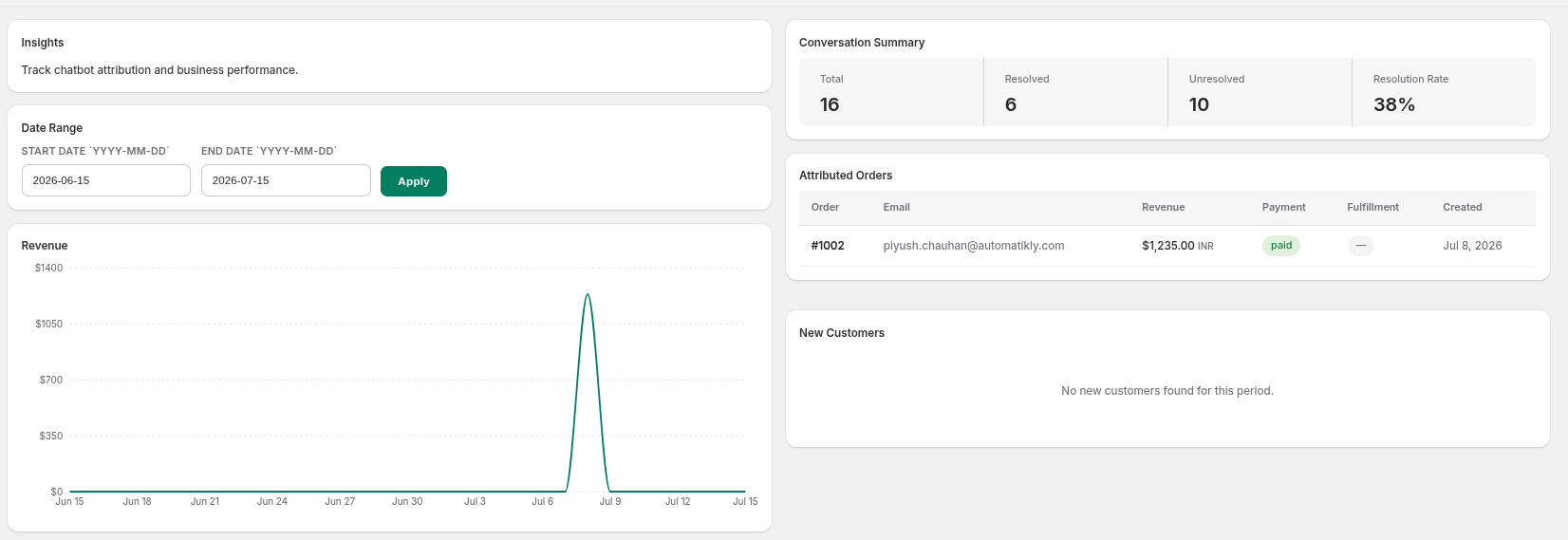
Track chatbot attribution and store performance over any date range.
Date Range Filtering
-
Start / End Date: Enter a custom YYYY-MM-DD range and click Apply to refresh every chart and table on the page.

Performance Charts
-
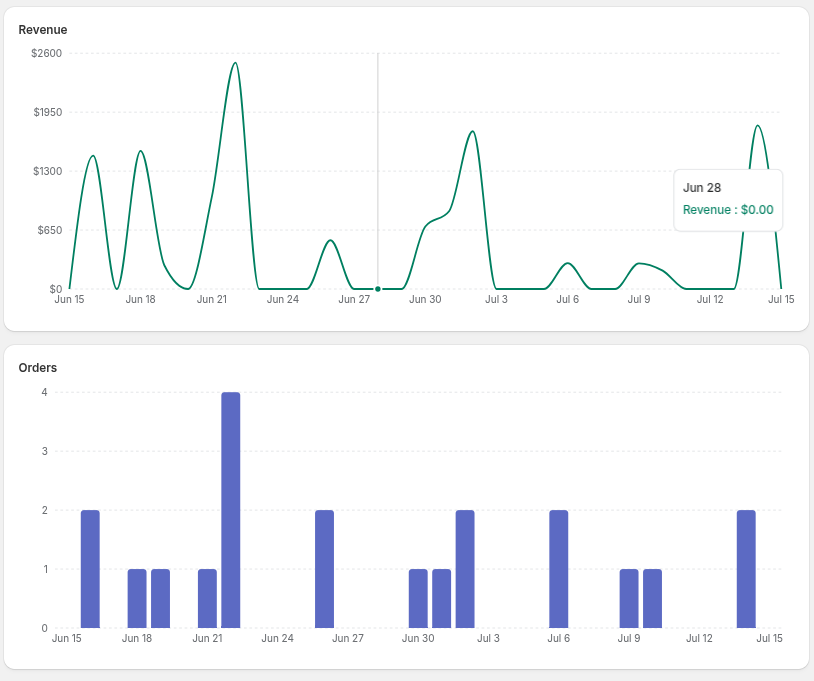
Revenue: Line chart of revenue attributed to the chatbot over time.
-
Orders: Bar chart of order volume over time.
-
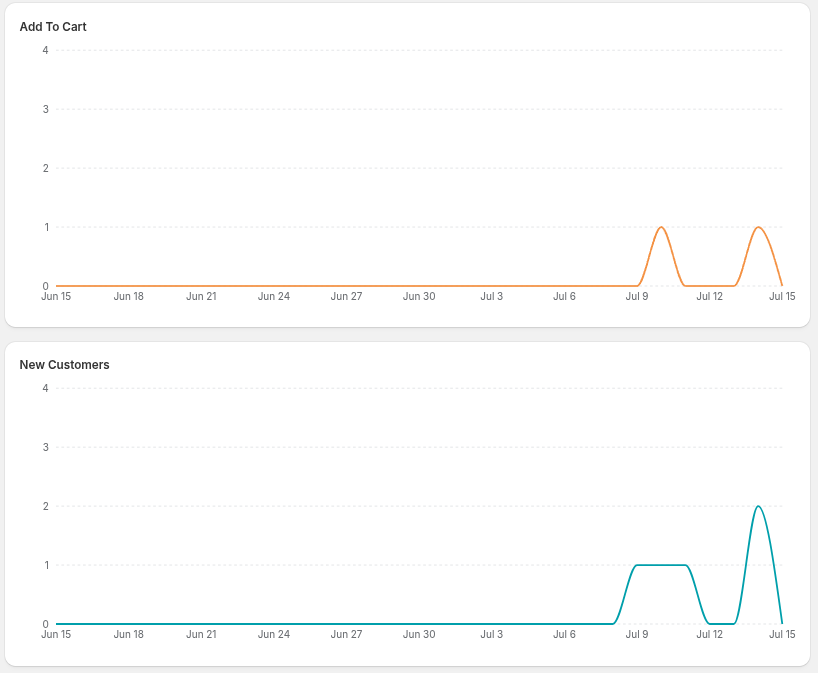
Add to Cart: Line chart tracking add-to-cart events driven by chatbot conversations.
-
New Customers: Line chart of new customer sign-ups over time.
Conversation Summary
-
Total, Resolved, Unresolved: Snapshot counts of all conversations in the selected date range.
-
Resolution Rate: The percentage of conversations marked resolved.

Attributed Orders & New Customers Tables
-
Attributed Orders: Order number, customer email, revenue, payment status, fulfillment status, and creation date for every order attributed to the chatbot.

-
New Customers: Name, email, and join date for every new customer acquired in the selected period.